
Retail & marts · Illustrative case study · 2 min read
Stock your team can trust
How a proposed stock workflow could connect receiving, shelf replenishment and branch transfers for a store or local mart.
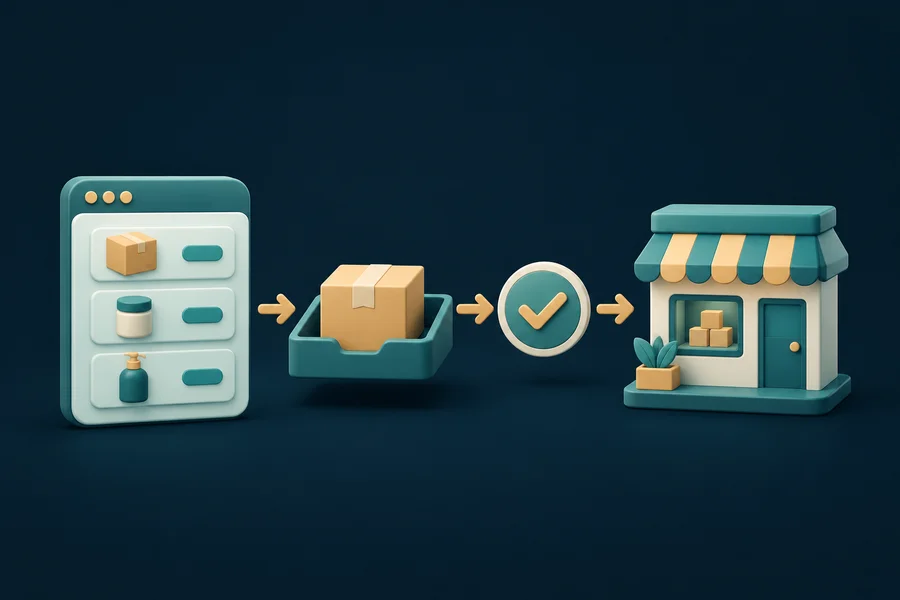
Consider a neighbourhood mart with a back room, busy shelves and a second branch. A product may be in the building but missing from the shelf, or in transit but counted by both branches. This illustrative example looks at the records and handoffs a stock tool would need; it makes no claim of a deployed customer system.
Define what stock means
On hand, available for sale, damaged, reserved and in transit are different quantities. Agree those meanings before designing a dashboard. A single large number is not helpful if the cashier and store manager interpret it differently.
Confirm item identifiers, pack sizes and units. Receiving one carton and selling individual pieces needs a clear conversion. Decide how substitutions, returns and items without a readable barcode are handled.
Capture the movements
A proposed workflow records stock at receiving, sale, return, adjustment and transfer. Each movement should have a reason and a responsible operator. Corrections should leave a history instead of silently replacing yesterday's number.
For a branch transfer, use a dispatch record at the sending store and an acceptance record at the receiving store. Keep the goods in transit until the receiving team confirms the quantity, including any shortage or damage.
- A consistent item code and unit of measure
- Separate quantities for saleable, damaged and in-transit goods
- A reason and operator for manual adjustments
- A queue for discrepancies that require a physical count
Work with the checkout
Find out what the existing point-of-sale system can export or expose through an API. Decide whether updates arrive immediately or in batches, and show the last successful sync time. A stale number should not look like a live guarantee.
Start with a manageable product category. Compare the recorded balance with a physical count and investigate the differences. Scanning more transactions will not solve inconsistent item codes or an unclear returns process.
Turn records into actions
A replenishment view should answer a concrete question: which products need to move from the back room to the shelf today? A purchasing view asks a different question and may need supplier lead times and agreed minimum quantities.
Review missing item codes, unresolved transfers and adjustment reasons during the pilot. Use the results to decide whether the next investment belongs in software, staff process or more consistent receiving checks.
A useful starting point
Trustworthy inventory starts with consistent items and recorded movements. A dashboard should reveal exceptions, not hide them.
Discuss a similar workflow →